Your voice in languages you don’t speak: What AI dubbing changes
MrBeast makes some of the most-watched videos on YouTube, and for a while now he has been asking a different kind of question: what happens if the same video can speak to viewers around the world, in their own language?
By early 2023 he had run nearly a dozen separate channels for dubbed videos. His Spanish channel reached as many as 100 million views per video, while his Portuguese channel drew between five and ten million. In 2025, he said about 70 percent of his YouTube audience did not speak English.
That makes dubbing sound like a distribution trick. It is, but it is also a communication problem.
When we speak, people hear more than our words. They hear pace, emphasis, warmth, hesitation and conviction. Replace the language and we may reach a new audience. Replace the voice carelessly and we may also change the person that audience thinks it is meeting.
The voice arrives before the message
Imagine watching a familiar actor in a film, but hearing a voice that sounds as though it belongs in a railway announcement. The translation might be accurate. The timing might be perfect. Something would still feel wrong.
A voice helps listeners decide whether we are excited, joking, uncertain or sincere. That is why AI dubbing in a creator’s own voice feels different from adding a generic stock voice. The aim is no longer simply to translate the words. It is to preserve some sense of the speaker.
MrBeast has said that AI dubs in his own voice gave him roughly one percent higher retention. That is one creator’s observation, not a universal rule, but the instinct behind it makes sense: familiarity matters.
The challenge is that a synthetic version of our voice can sound like us without always communicating like us. A joke may lose its timing. A technical term may acquire a new pronunciation. A warm aside may suddenly sound like an instruction.
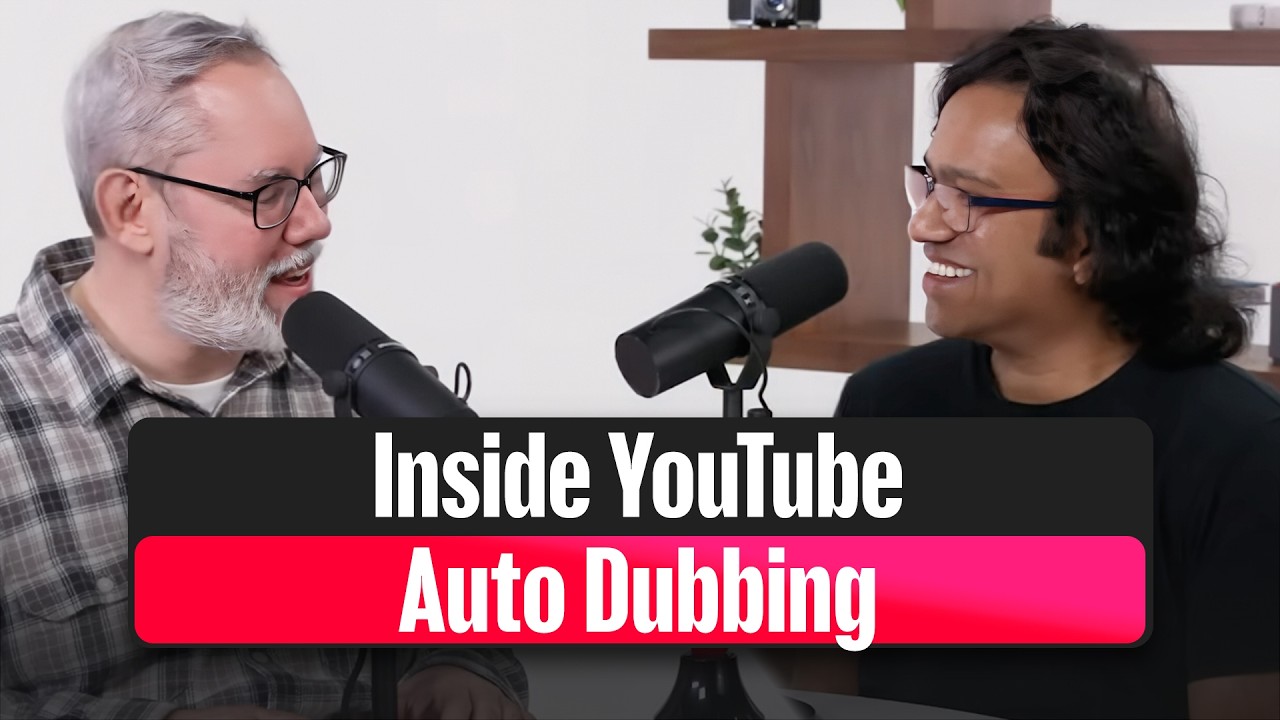
YouTube’s own creator team explains how its automatic dubbing works:
What the platforms can do now
YouTube’s multi-language audio feature lets creators attach their own dubbed tracks to new or existing videos. In September 2025, YouTube said it was expanding the feature to millions of creators. According to the company, creators who uploaded multi-language tracks received more than 25 percent of their watch time from viewers using a language other than the video’s primary one, based on July 2025 data.
YouTube also offers automatic dubbing to everyone in 27 languages. Its “expressive speech” system, designed to preserve pitch, intonation and energy, was available in eight languages as of February 2026. Creators can turn automatic dubbing off, review dubs before publishing them or upload their own versions.
Meta offers AI translation for Reels that reproduces the sound and tone of the creator’s voice, with optional lip sync. Translated Reels carry a “Translated with Meta AI” label, and viewers can switch the translation off.
These tools remove much of the machinery that once sat between a creator and an international audience. They do not remove the creator’s responsibility for what the audience hears.
Listen before you publish
YouTube’s own help documentation warns that automatic dubs can mispronounce proper nouns, struggle with idioms and jargon, or use a voice that does not match the original speaker. An automatic dub cannot be edited directly; the creator has to correct the original-language transcript and generate it again.
That makes review more than a quick quality check.
Listen to the whole dub, preferably without doing anything else. Does the energy rise and fall in the right places? Are names pronounced correctly? Does the serious section sound serious? If the video includes jokes, wordplay or local references, ask a native speaker whether they still work.
Keep the original audio available too. A viewer may understand some of the original language, prefer subtitles or simply want to hear the person who made the video. Offering a dub should expand that choice rather than take it away.
A cloned voice needs consent
Voice cloning also introduces a question that ordinary translation does not: who gave permission for this voice to be copied?
In Tennessee, the ELVIS Act, effective July 1, 2024, added voice—including AI simulations—to the state’s personal-rights protections.
California’s AB 2602 makes certain contract terms allowing digital replicas of a performer’s voice or likeness unenforceable when the uses are not reasonably specified, unless the performer was represented by a lawyer or union. AB 1836 requires consent to create digital replicas of deceased personalities in audiovisual works or sound recordings. Both bills were signed on September 17, 2024.
The FCC ruled in February 2024 that AI-generated and cloned voices count as artificial or prerecorded voices under the Telephone Consumer Protection Act, meaning robocalls using them require prior express consent.
In the European Union, AI Act Article 50 has applied since August 2, 2026. It includes disclosure duties for deepfake audio, including an audible notice for audio-only content, with lighter treatment for artistic works. Providers also have obligations concerning machine-readable marking of synthetic material, subject to the implementation dates set out in the Digital Omnibus.
The proposed federal NO FAKES Act is not law. It passed the US Senate Judiciary Committee unanimously in June 2026, but an attempt to move it by unanimous consent was blocked in September.
Platforms have rules of their own. YouTube requires creators to disclose realistic altered or synthetic content that makes a real person appear to say something they did not say. Automatically dubbed videos also receive an “auto-dubbed” note in the description.
The sensible rule is simpler than the legal map: clone only a voice you own or have permission to use, and tell the audience what it is hearing.
This is general information, not legal advice.
Your first dubbed video
Start small. One video and one language will teach you more than producing a dozen tracks that nobody has properly checked.
-
Choose a language from your audience data. Look for an existing pattern of viewers, comments or interest rather than guessing which market sounds largest.
-
Decide whose voice the audience should hear. A stock voice may be sufficient for a straightforward explainer. Your own synthetic voice may suit a personal story, provided you are comfortable cloning it and the result still sounds like you.
-
Create the dub and its supporting files. Tools such as Presentr Analyze can produce translated subtitles, a dubbed audio track and a dubbed video in 48 languages. Its “My voice” option uses a 10–30 second recording for English, Spanish, French, German, Italian or Portuguese, and asks users to confirm that the voice is theirs or that they have permission to use it.
-
Check every minute. Listen for names, specialist terms, jokes, emotional shifts and places where the translated speech feels rushed.
-
Label it clearly. Do not make the audience investigate whether a voice is synthetic.
-
Watch what viewers do. Compare retention, comments and viewing by language. Numbers can tell you where people left; native speakers can help you understand why.
AI dubbing can put our words in languages we have never learned. The harder task is making sure the person on the other side still hears what we meant.
— The Presentr team